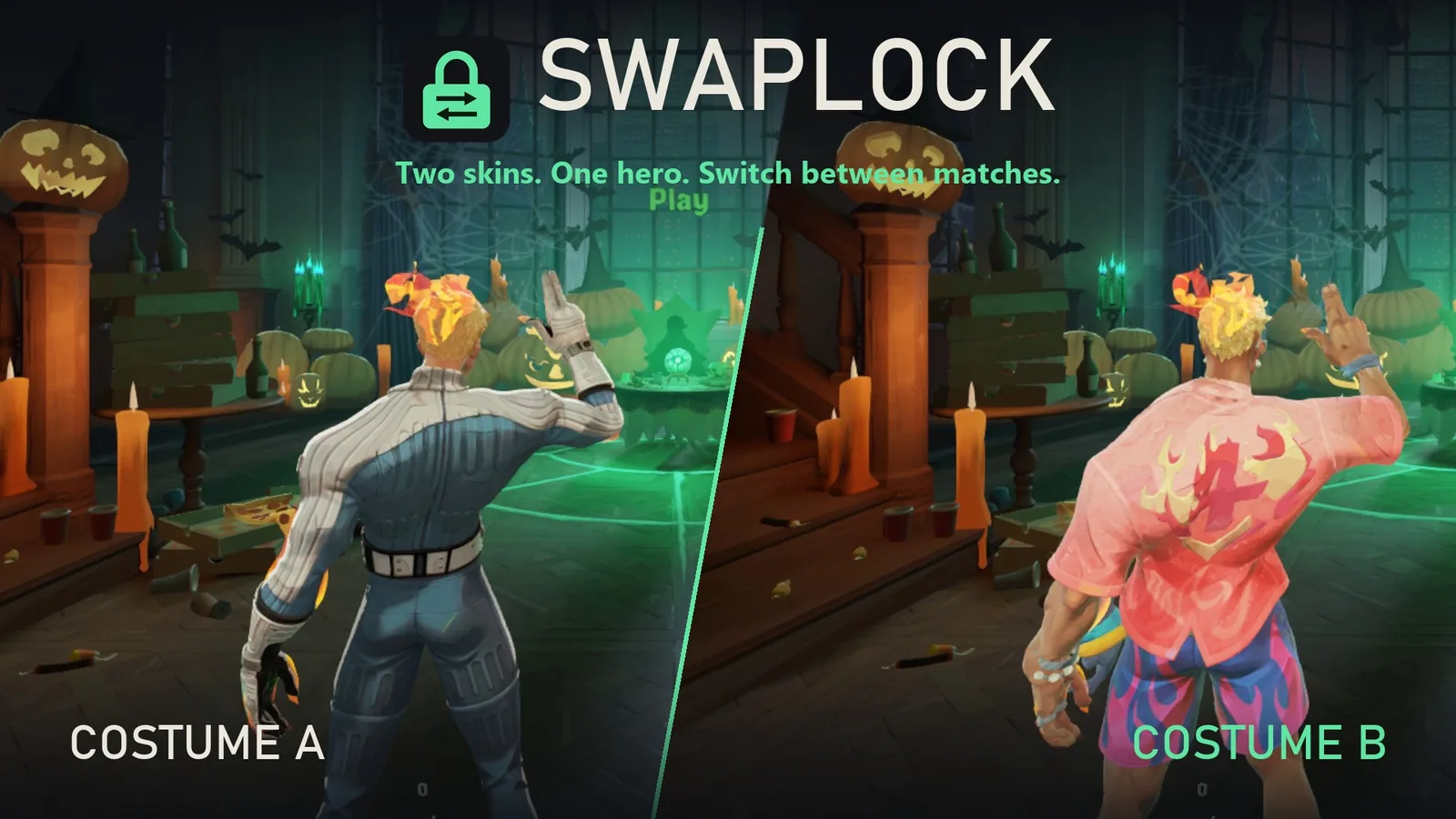
SwapLock
Two skins on one hero, switched from the ESC menu.
- SwapLock for Windows13 MB zipDownload
No malware detected
Scanned 1 November 2026 with Microsoft Defender (engine 1.1.26100.4, signatures 1.463.70.0).
Inside: SwapLock.exe and the runtime it needs. Its source code is a separate download.
SHA-256
46eb2abe9e50938500661acf21796178d6c62d1ec00db782d6ced8227e55c2aeA scan catches known malware. It can’t prove a file is harmless. How downloads are checked
- Source code108 KB zipDownload
No malware detected
Scanned 1 November 2026 with Microsoft Defender (engine 1.1.26100.4, signatures 1.463.70.0).
Inside: 0 .vpk game files and 19 other files. No programs.
SHA-256
1986aff878ee749d800b66e67e219145ef559610ce6b8393d81b279f363bda77A scan catches known malware. It can’t prove a file is harmless. How downloads are checked

What it changes, and credits
Highlights
- Two skins, one hero: pick a skin as Costume A and another as Costume B, press Build and install.
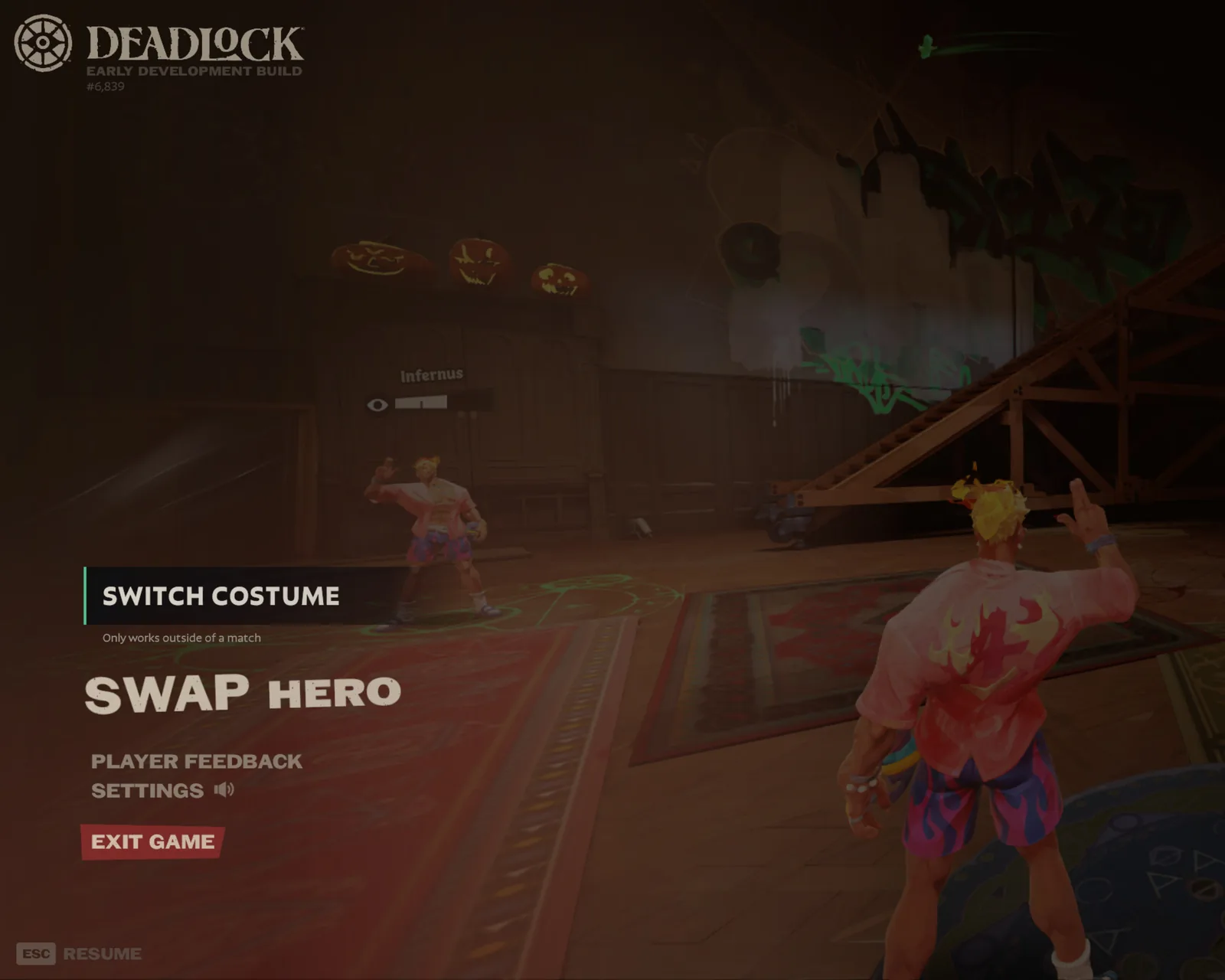
- Switch in game: ESC > Switch costume reloads the hideout in the other costume. Every launch starts in Costume A.
- Works with the default look: pair a skin with the hero’s normal model to turn it on and off between matches.
- Uses the skins you already have: finds skins in your addons folder and in Deadlock Mod Manager’s library, or add a download (.vpk, .zip, .7z, .rar).
- Checks before it builds: tells you if two skins can’t be paired, and lists what Costume B won’t get (voice lines, sounds, icons…).
- Nothing gets deleted: mods that change the same hero are set aside in SwapLock’s library and come back when you remove the pair.
- Repair button: puts SwapLock’s files back if a mod manager or a Steam file check removes them.
- Several pairs at once: one switch covers every pair.
Download and install
- Download the zip and unzip the whole SwapLock folder anywhere (keep the _internal folder next to SwapLock.exe).
- Run SwapLock.exe. Windows may say “Windows protected your PC” because the app isn’t code-signed: click More info > Run anyway.
- SwapLock finds Deadlock through Steam. If it doesn’t, click Game folder… and pick …\steamapps\common\Deadlock\game\citadel.
Usage
- Close Deadlock.
- In SwapLock, pick a hero, then press Set as A on one skin and Set as B on another (or drag them onto the slots).
- Read the check, give the outfits names if you like, and press Build and install.
- Launch Deadlock from Steam. In the hideout press ESC > Switch costume.
Good to know
- Costume B is only a new look. Its voice lines, ability sounds, animations, effects, icons and hero name come from Costume A (or the base game). SwapLock shows exactly what B leaves out before you build.
- Both skins must be for the same hero and fit the same skeleton. SwapLock refuses pairs that would break.
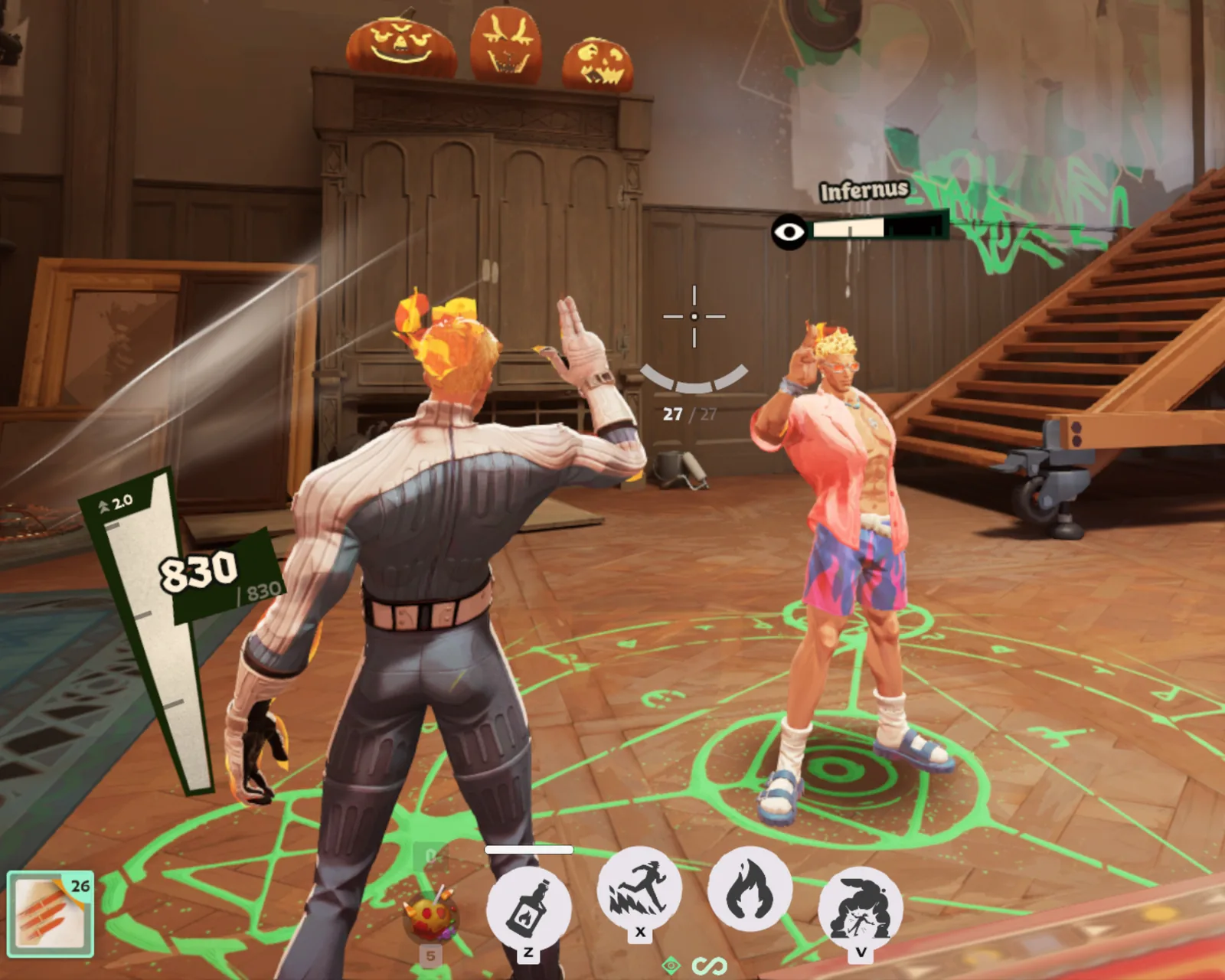
- Other players using that hero show Costume B on your screen. Mods are client-side: nobody else sees your skins.
- Switch in the hideout, before you queue. The button only appears there, because switching reloads the map.
- Every launch starts in Costume A.
- Deadlock Mod Manager: installing mods with it is fine. Don’t use its vanilla Play button: it removes every mod in your addons folder (SwapLock’s included). If that happens, open SwapLock and press Repair.
- After a Deadlock update, open SwapLock: if the in-game menu needs refreshing it will say so, and Repair fixes it.
- SwapLock only writes mod files in game\citadel\addons (and, for Repair, the mods line in gameinfo.gi, with a backup). No DLLs, no memory editing, nothing that touches the running game.
- SwapLock keeps its library and settings in %LOCALAPPDATA%\SwapLock.
How it works (for anyone who wants to do it by hand)
- A hero’s model has detail levels (LODs). SwapLock keeps skin A’s model as the full-detail level (LOD0) and grafts skin B’s meshes in as the lower levels (LOD1+), matching B’s bones to A’s skeleton by name. The LOD switch distances are pulled down to almost zero.
- Deadlock has a normal, non-cheat setting, citadel_player_model_force_highest_lod, that forces your own hero to LOD0. It is read when a map loads. When it’s on (the default), you see A; when it’s off, your hero uses the distance-based LODs, and with tiny switch distances that’s always B.
- The Switch costume button is a small edit to the game’s own ESC-menu layout that runs toggle citadel_player_model_force_highest_lod; disconnect (the disconnect reloads the hideout so the new value is read).
- Without the menu you can type the same thing in the console.
- Other heroes on your screen always use distance-based LODs, which is why they show B.
I used Claude to understand how I could use the LOD settings to allow for switching skins. I knew it was possible from using ModelDoc, so I created this once I understood how to make it work.
More mods
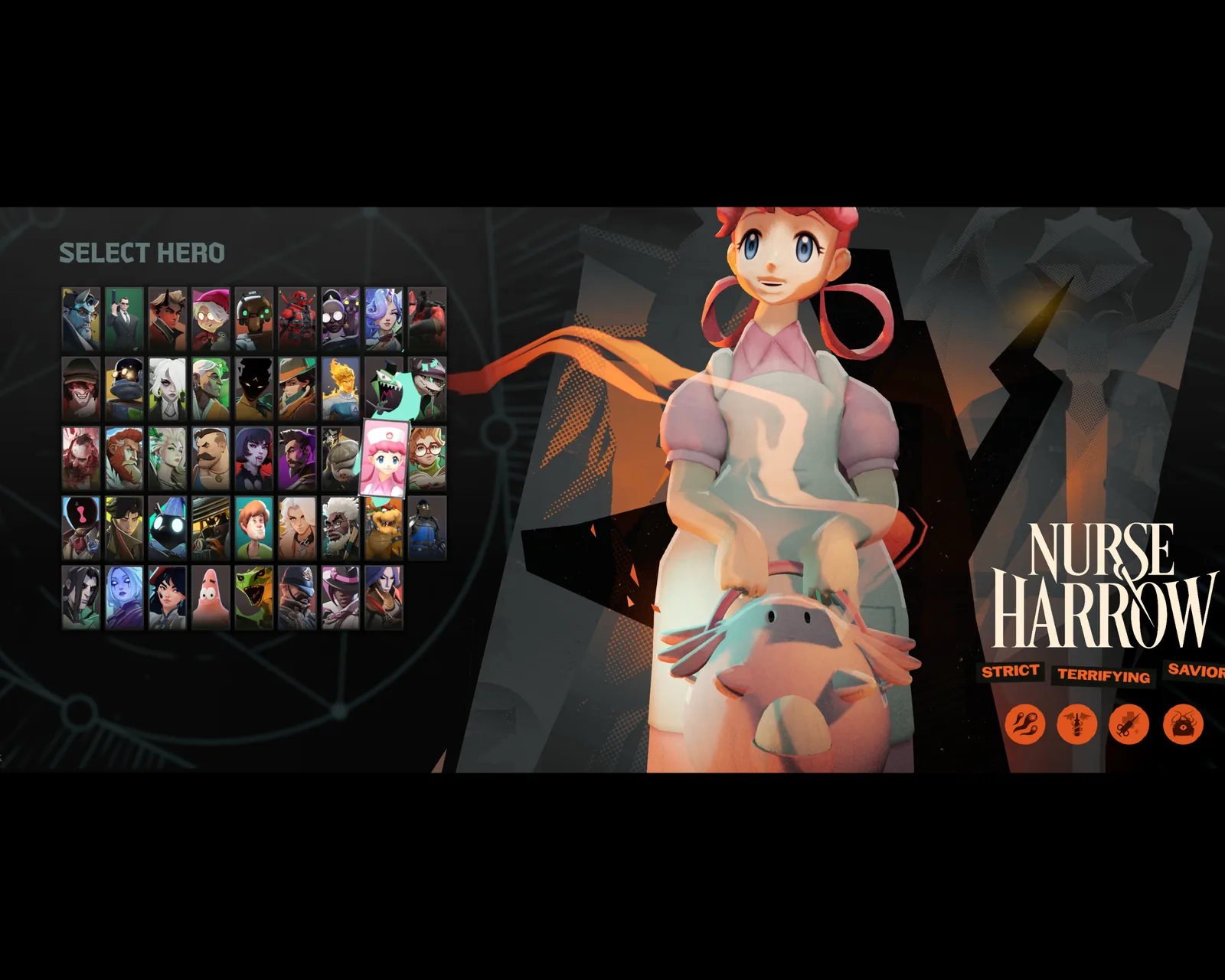
Nurse Joy
over Nurse Harrow
Pokémon: Let's Go, Pikachu! / Eevee!
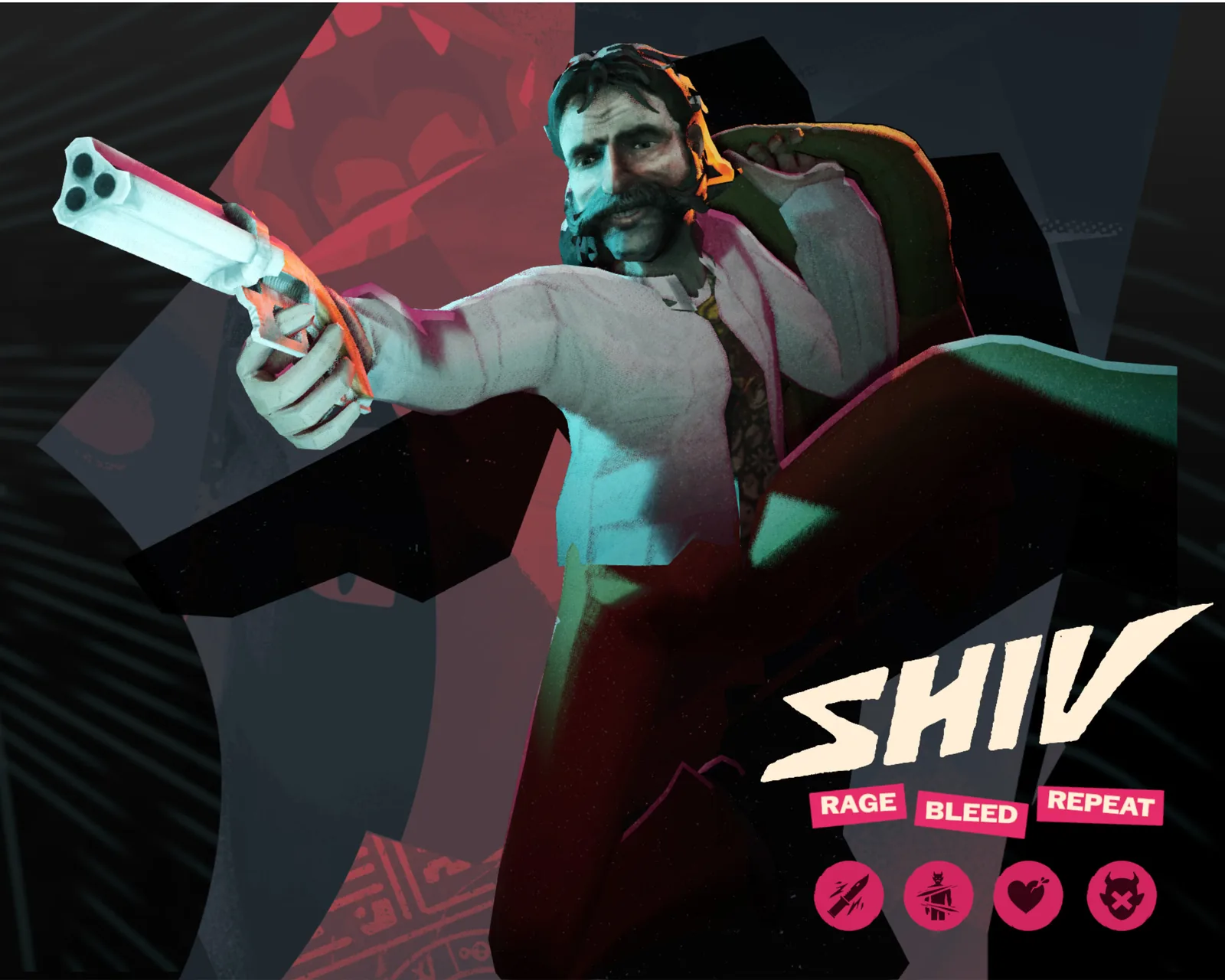
Harry Du Bois
over Shiv
Disco Elysium
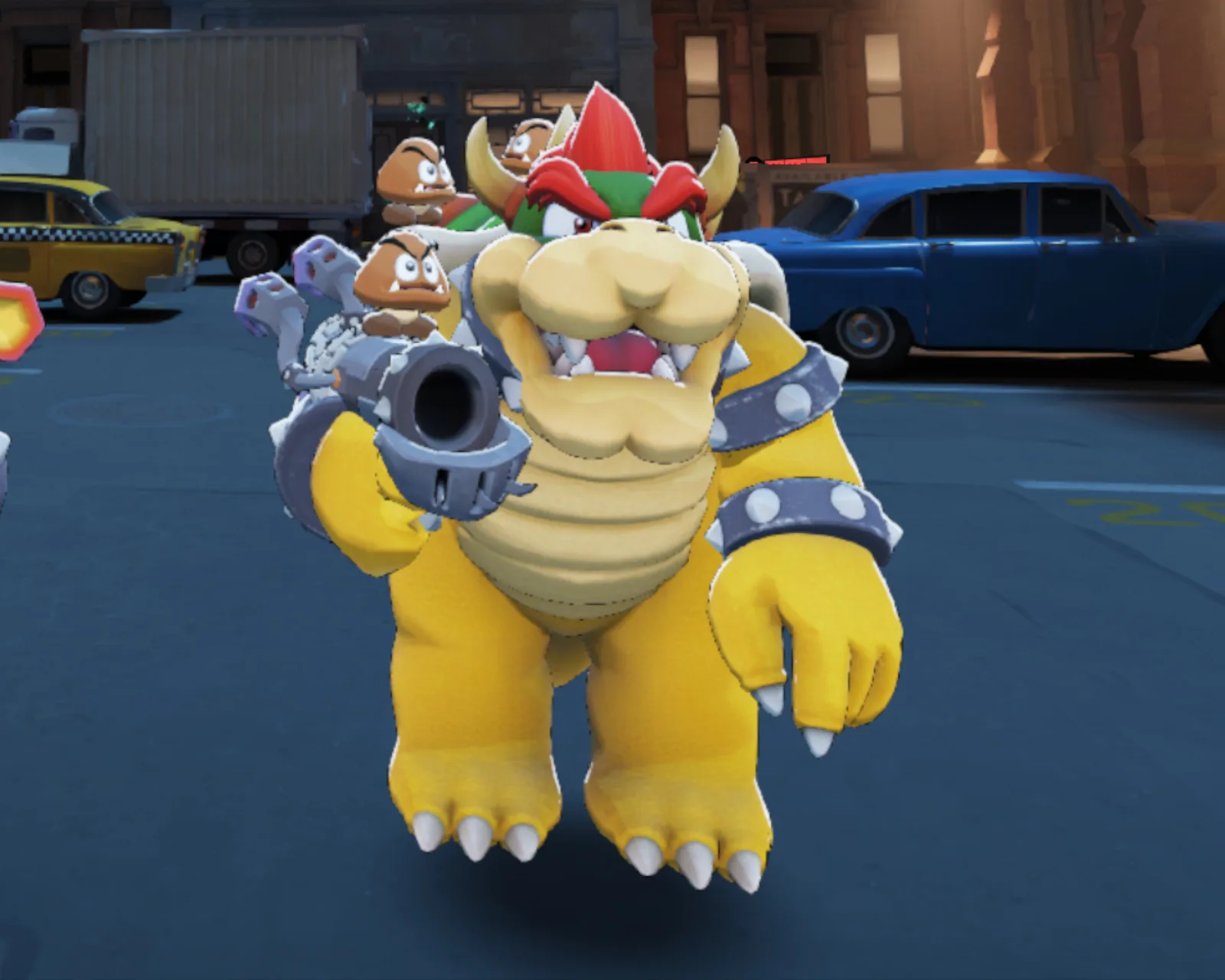
Bowser
over Rat King
Super Mario Odyssey
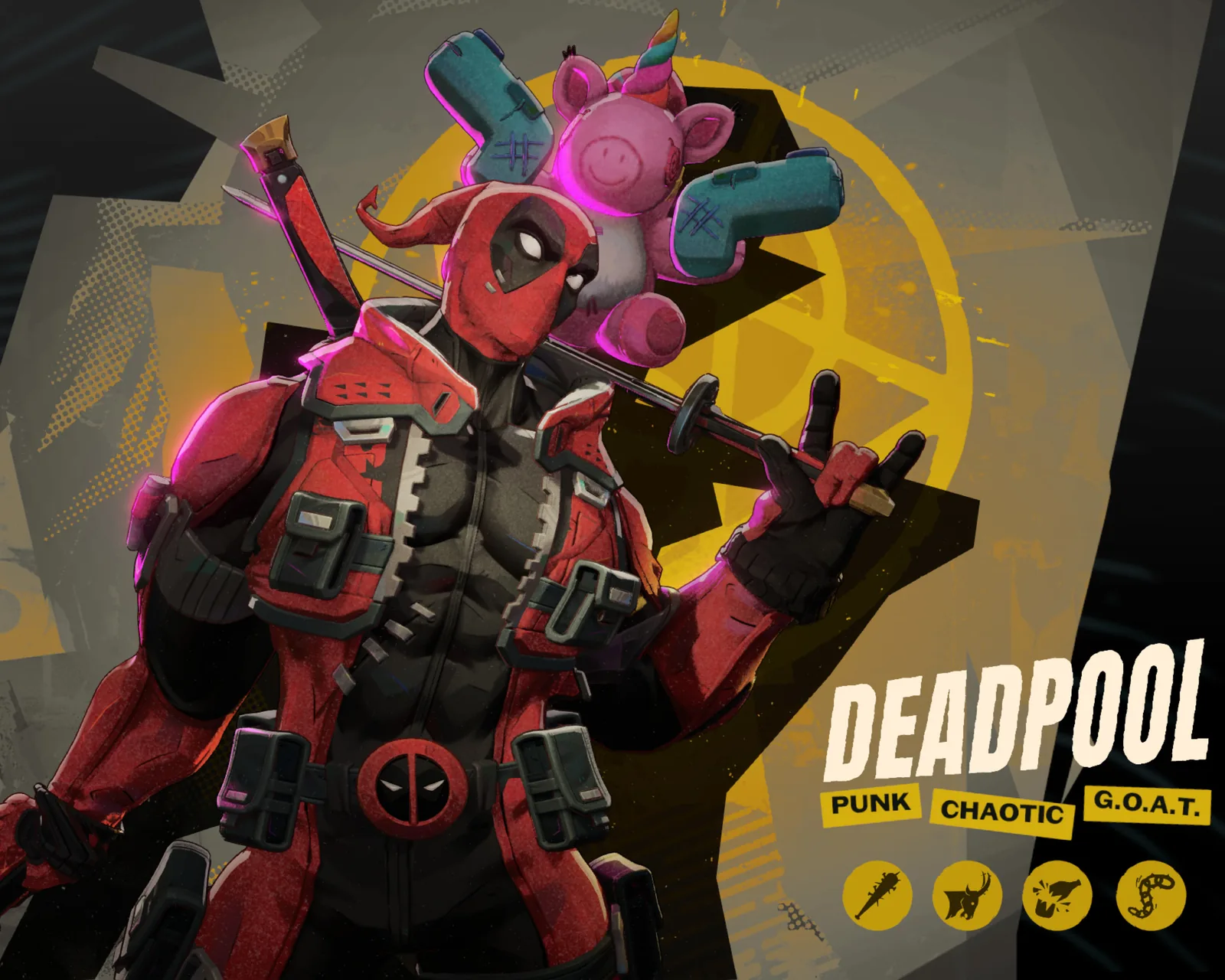
Deadpool
over Billy
Marvel Rivals
New to mods? Here’s where the .vpk goes.